
How to change cPanel Style/Theme?

How to change cPanel Style/Theme?
Change cPanel Style/Theme
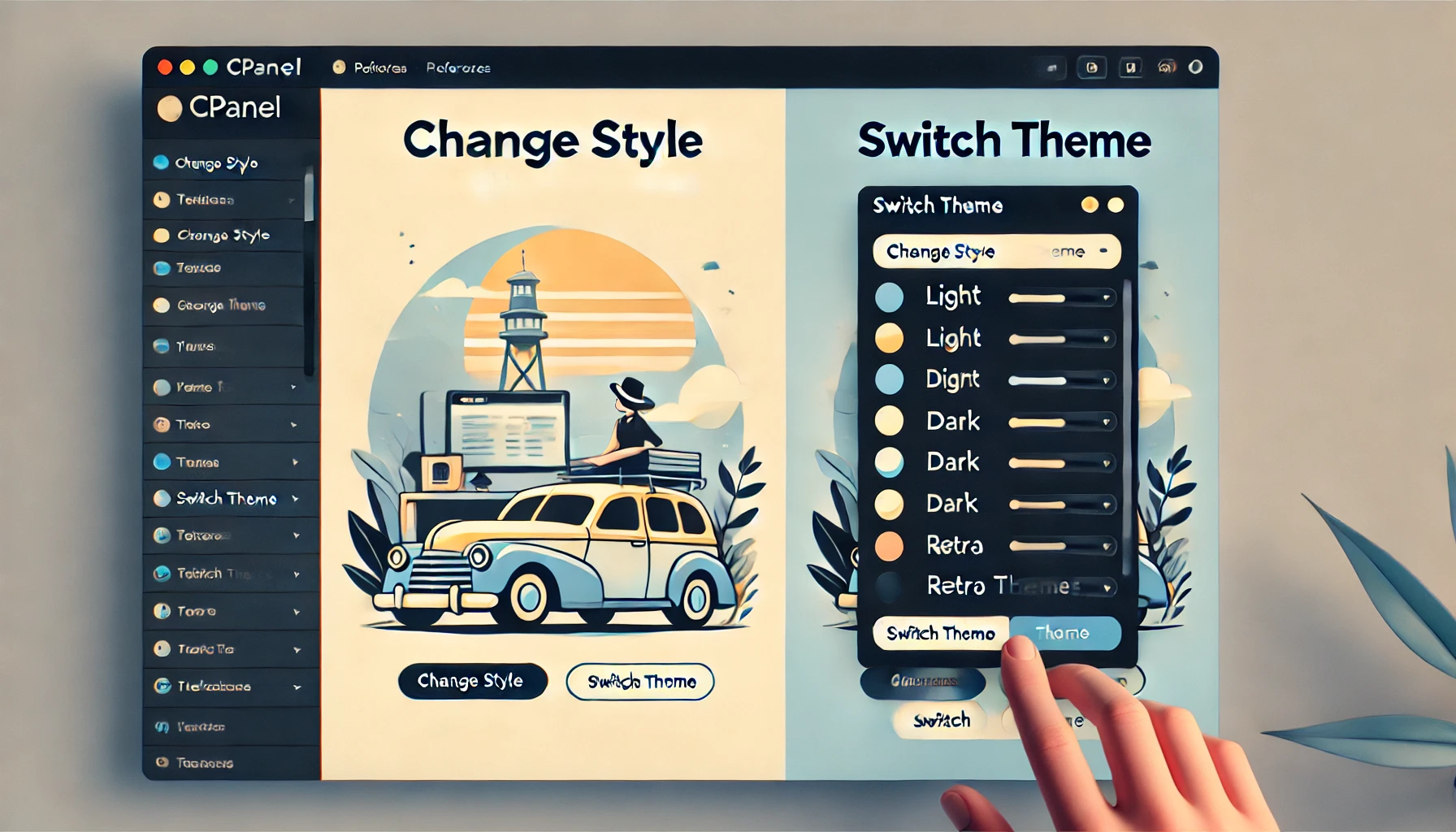
Switching over to another cPanel theme with a different style is easy and there are two ways to do so.
First method: Paper Lantern Theme.
1. Log into your cPanel account.
2. In the "Preferences" section, click on the "Change Style" Icon.
3. You will see a lot of themes on the themes page. Just select the one you like and click on "Apply".
Second method: Change the theme instantly (Retro X3 Theme Only)
1. We assume you are already logged into your cPanel account. In your cPanel account near the left side of the page you should see a "Switch Theme" option with drop-down menu.
2. Choose your favorite theme from the drop-down menu and it will apply automatically.
Topics
Rakshitha
White-Label Services Specialist • 5+ years
Rakshitha specializes in white-label IT services and Linux server administration. She helps MSPs expand their service offerings through strategic outsourcing partnerships and provides expert guidance on Linux-based infrastructure solutions.