
CodeTwo Office 365 Migration — MSP Review After Real Projects (2026)

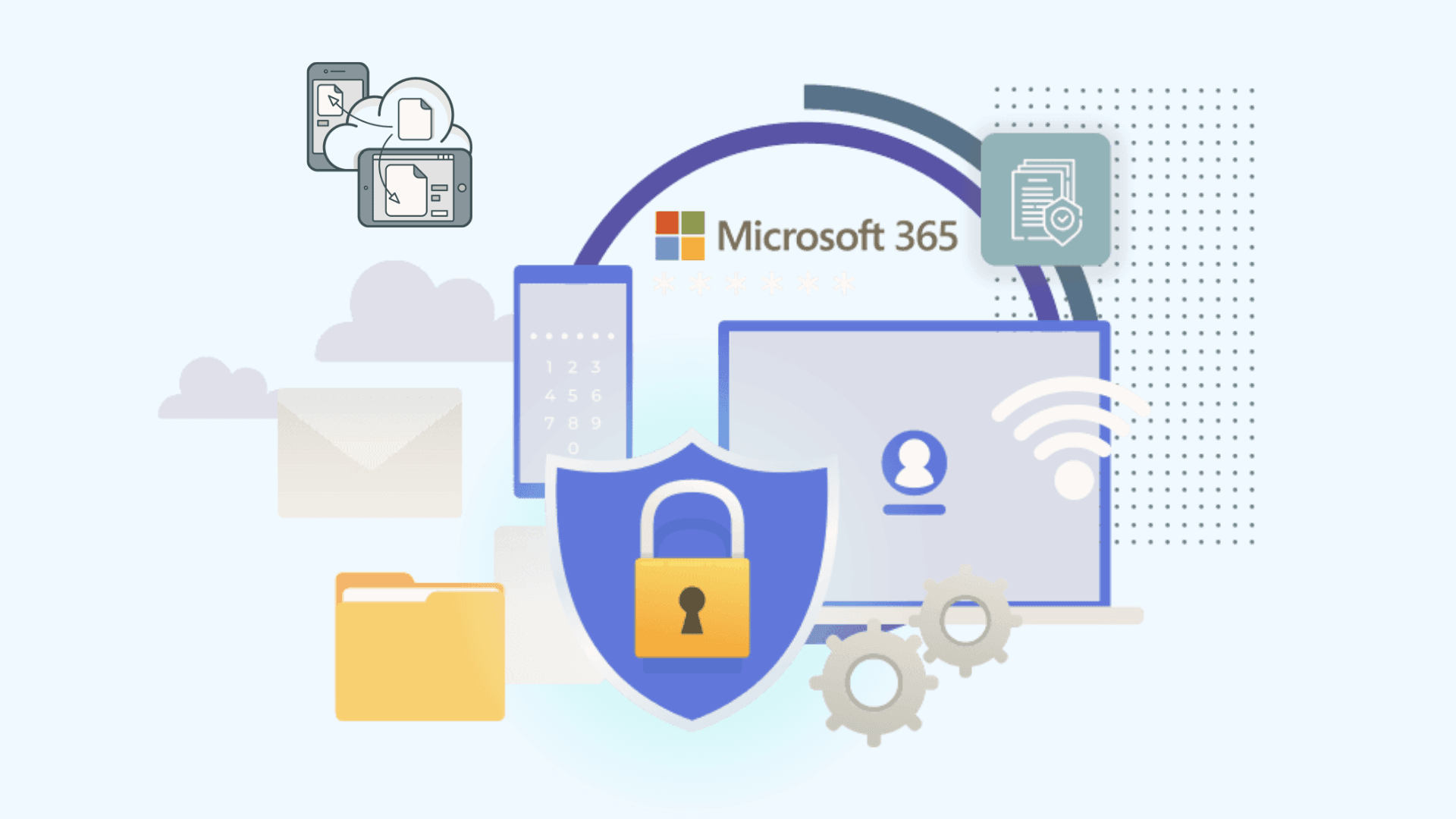
CodeTwo Office 365 Migration is the tool we recommend most often to IT admins doing a one-time Exchange-to-cloud move themselves. This review comes from production use across client projects — what it does well, what it doesn't do at all, and when you should pick something else.
What CodeTwo is (and isn't)
A Windows console application that migrates mailboxes from Exchange Server (2010-2019), other Microsoft 365 tenants, Google Workspace, and IMAP sources into Microsoft 365. Mail, calendars, contacts, tasks — mailbox data. It is not a SharePoint/OneDrive/Teams migrator; for that you're in ShareGate/AvePoint territory.
What we like after real projects
- One-time per-mailbox licensing. No subscription. For a single migration project, this beats annual-subscription tools on price — and the license includes rerunning delta syncs until cutover.
- Automatic delta sync + scheduler. Set sync windows (e.g., nights only), and it keeps source and target converged until you flip DNS.
- Sensible reporting. Per-mailbox item counts and error logs that a human can actually read — better than Microsoft's native batches, simpler than BitTitan's project model.
- Genuinely good support. CodeTwo's support team responds fast with real engineers — unusual in this market.
Where it's limited
- Windows console app — you run it from a machine that stays on for the whole migration. SaaS tools (BitTitan) have no such anchor.
- Mailbox-centric. No OneDrive, SharePoint, or Teams content. Tenant-to-tenant projects needing those are out of scope.
- Fewer exotic sources than BitTitan — no Zimbra/GroupWise/Notes connectors. Exchange-family and IMAP is the sweet spot.
- Throughput bound by your console host and network path — plan the machine like a small server, not a laptop.
CodeTwo vs the alternatives
| CodeTwo | BitTitan MigrationWiz | Microsoft native (free) | |
|---|---|---|---|
| Licensing | One-time per mailbox | ~$15/user per project | $0 |
| Runs from | Your Windows machine | SaaS cloud | Microsoft cloud |
| Sources | Exchange, M365, Google, IMAP | Widest (adds Zimbra, Notes, GroupWise…) | Exchange, Google, IMAP |
| Beyond mailboxes | No | OneDrive/SharePoint options | Drive/file shares via Migration Manager |
| Delta sync | Yes, scheduled | Yes (source-dependent) | Batch-dependent |
Full landscape comparison: Microsoft Office 365 migration tools — 2026 comparison.
Verdict
FAQ
How much does CodeTwo Office 365 Migration cost?
One-time per-mailbox licensing, tiered by volume — check CodeTwo's current price list. No subscription; the license covers the project including delta syncs.
Does CodeTwo migrate OneDrive or Teams?
No — mailbox data only (mail, calendars, contacts, tasks). OneDrive/SharePoint/Teams need ShareGate, AvePoint, Quest, or BitTitan document options.
What are CodeTwo's requirements?
A Windows machine with reliable connectivity to both source and target, admin/impersonation rights on the source, and a Microsoft 365 admin account. EWS must be reachable on Exchange sources.
Expert tenant-to-tenant migration for mergers, acquisitions, and divestitures — from $15/user.
Office 365 Tenant Migration HelpTopics
Sreenivasa Reddy G
Founder & CEO • 15+ years
Sreenivasa Reddy is the Founder and CEO of Medha Cloud, recognized as "Startup of the Year 2024" by The CEO Magazine. With over 15 years of experience in cloud infrastructure and IT services, he leads the company's vision to deliver enterprise-grade cloud solutions to businesses worldwide.
More in Microsoft 365
View all
SharePoint Support: Microsoft Options & Third Party
8 min read
SharePoint Permissions: Levels, Groups & Inheritance
9 min read
SharePoint 2016 & 2019 End of Life: Dates & Options
9 min read
SharePoint Server Subscription Edition: Licensing & Upgrade
9 min read
SharePoint Document Library: Setup, Views & Limits
9 min read
SharePoint vs OneDrive: Differences & When to Use Each
8 min read