
Office 365 Tenant to Tenant Migration Step by Step — M&A Playbook (2026)

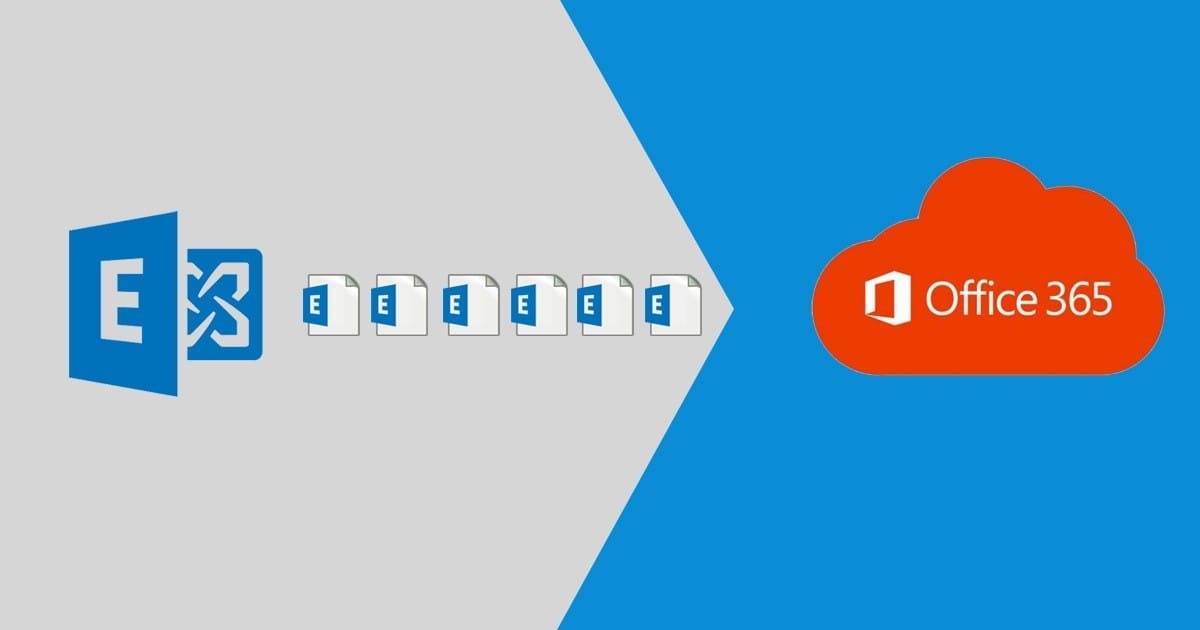
Tenant-to-tenant is the migration where sequencing IS the project. Data copying is routine; the domain-removal dance, identity collision handling, and cutover-day timing are where M&A migrations succeed or blow up. This is our playbook after 50+ T2T projects.
Phase 0 — Decisions before anything moves
- Target architecture: merge into buyer's tenant (usual), new greenfield tenant (rebrands), or long-term multi-tenant with cross-tenant collaboration (rare, now partially supported by Microsoft's cross-tenant features).
- Identity collisions: same UPNs/aliases on both sides? Same display names? Decide the collision policy (prefix, rename, domain-based) up front.
- The domain question: a custom domain can live in ONE tenant at a time. Moving
company.commeans removing it from the source tenant — every user, group, alias, and app referencing it must be re-addressed first. This constraint drives the entire timeline. - Method: Microsoft's native cross-tenant mailbox migration (free-ish, mailbox+OneDrive, requires org relationship setup and licenses) vs third-party (BitTitan/Quest/AvePoint — adds Teams, SharePoint, flexibility, coexistence). 500+ seats with a hard deadline: Quest-class tooling.
Phase 1 — Preparation (1-2 weeks)
- Inventory source tenant: users, shared mailboxes, groups, Teams, SharePoint sites, OneDrive sizes, Power Platform assets, app registrations, conditional access referencing the domain.
- Provision target: users created (or matched), licenses assigned, MFA/Conditional Access ready. Mail routing plan for the transition window.
- Set up migration tooling: org relationships +
New-OrganizationRelationship/cross-tenant access policies for native; project + endpoints for third-party. - Pre-stage data: mailboxes, OneDrive, SharePoint sync to target against temporary addresses ([email protected] or a staging domain).
Phase 2 — The domain move (cutover weekend, exact order)
- Final delta sync of all workloads Friday evening.
- Lower MX TTL days earlier; at cutover, point MX to a transitional route or accept a short queue window.
- In SOURCE tenant: re-address every object off
company.com(script: swap primary SMTP to .onmicrosoft.com, strip aliases). Includes groups, resources, app registrations. - Remove
company.comfrom source tenant (fails until every reference is gone — the script from step 3 is why this takes minutes, not days). - Verify
company.comin TARGET tenant (TXT record ready in advance), add as primary SMTP on migrated users, restore aliases. - Point MX/SPF/DKIM/Autodiscover at the target tenant. Final mailbox delta completes.
- Outlook profiles: native cross-tenant moves repoint mostly automatically; third-party cutovers need new profiles — plan desk-side/remote support for Monday.
Phase 3 — The workloads that don't move themselves
- Teams: channels + files migrate with third-party tools; 1:1 chats never migrate (platform limit). Announce it or drown in tickets.
- SharePoint: site-by-site with URL remapping; embedded links to old tenant URLs need a link-fix pass or redirect strategy.
- Power Platform: flows and apps are tenant-bound — export/import and reconnect connections. Budget real time here.
- Licenses: cannot transfer between tenants. Target needs its own subscriptions live BEFORE cutover; source licenses lapse at term.
FAQ
How long does a tenant-to-tenant migration take?
100 users: 2-3 weeks (prep-heavy, cutover in one weekend). 1,000+ users with Teams/SharePoint: 6-12 weeks with staged waves and coexistence tooling.
Can I move my domain to the new tenant without downtime?
Near-zero mail loss is achievable (queuing + fast re-verification), but plan a 2-6 hour window where new mail queues. The domain can't exist in both tenants simultaneously — no exceptions.
Does Microsoft have a free tenant-to-tenant migration tool?
Cross-tenant mailbox migration and cross-tenant OneDrive move exist natively (licensing prerequisites apply). Teams and SharePoint content still need third-party tooling for full moves.
Expert tenant-to-tenant migration for mergers, acquisitions, and divestitures — from $15/user.
Tenant to Tenant Migration ServicesTopics
Sreenivasa Reddy G
Founder & CEO • 15+ years
Sreenivasa Reddy is the Founder and CEO of Medha Cloud, recognized as "Startup of the Year 2024" by The CEO Magazine. With over 15 years of experience in cloud infrastructure and IT services, he leads the company's vision to deliver enterprise-grade cloud solutions to businesses worldwide.
More in Microsoft 365
View all
SharePoint Support: Microsoft Options & Third Party
8 min read
SharePoint Permissions: Levels, Groups & Inheritance
9 min read
SharePoint 2016 & 2019 End of Life: Dates & Options
9 min read
SharePoint Server Subscription Edition: Licensing & Upgrade
9 min read
SharePoint Document Library: Setup, Views & Limits
9 min read
SharePoint vs OneDrive: Differences & When to Use Each
8 min read