
Exchange to Office 365 Migration Step by Step — 2003 to 2019, Cutover, Staged & Hybrid (2026)

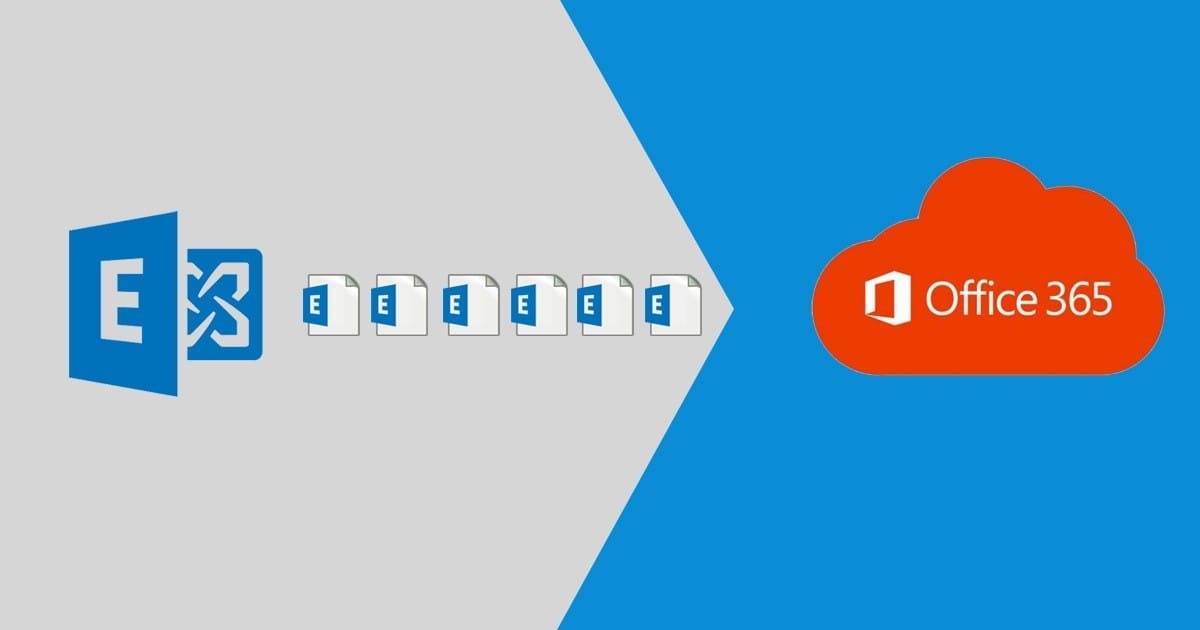
Every Exchange version has a correct path to Office 365 and several wrong ones. This is the version-by-version map plus the step-by-step for each method — condensed from 500+ Exchange migrations, including the 2003 boxes still running in 2026.
Which method your Exchange version allows
| Source version | Cutover | Staged | Hybrid | Practical recommendation |
|---|---|---|---|---|
| Exchange 2003 | ❌ (no EWS) | ✅ | ❌ | Staged, or double-hop via 2010, or third-party/PST |
| Exchange 2007 | ✅ (≤150 users) | ✅ | ❌ (only via 2010/2013 hybrid server) | Cutover small; staged bigger |
| Exchange 2010 | ✅ (≤150) | ❌ | ✅ (minimal/full) | Cutover small; hybrid 150+ |
| Exchange 2013/2016/2019 | ✅ (≤150) | ❌ | ✅ | Cutover small; hybrid for coexistence; third-party for speed |
Method 1 — Cutover migration, step by step (under ~150 mailboxes)
- Verify your domain in Microsoft 365; do NOT change MX yet.
- Enable Outlook Anywhere/EWS on Exchange, grant the migration account
ApplicationImpersonationor full access. - Exchange admin center (M365) → Migration → Add migration batch → Cutover. Connect via Outlook Anywhere autodiscovery.
- Start the batch — ALL mailboxes sync. Watch per-mailbox status, not just the batch summary.
- When synced: assign licenses, flip MX/Autodiscover DNS off-hours, complete the batch (final delta).
- Reconfigure Outlook profiles (Autodiscover does most), re-sync mobiles, then decommission properly.
Method 2 — Staged migration (2003/2007 only)
Requires directory synchronization first. Mailboxes migrate in CSV-defined batches; migrated users get forwarding from on-prem until everyone is across, then DNS flips and the org converts. Slower but the only native path off 2003 at scale. Sequence: Entra Connect → batch CSVs → migrate waves → convert mailboxes to mail-enabled users → MX flip → decommission.
Method 3 — Hybrid migration, step by step (2010+)
- Prereqs: healthy Exchange (patched to latest CU), valid third-party certificate, Entra Connect with password hash sync or PTA.
- Run the Hybrid Configuration Wizard (minimal hybrid for simple moves; full hybrid for long coexistence with shared free/busy).
- Enable MRS proxy:
Set-WebServicesVirtualDirectory -MRSProxyEnabled $true. - Create migration batches (remote move) in waves — pilot IT first, then departments. Users keep coexistence: free/busy works across both sides during the move.
- Complete batches per wave; Outlook profiles repoint automatically via Autodiscover.
- After the last wave: point MX at M365, tear down hybrid config, and keep recipient management per the last-server rules.
Public folders — the forgotten workload
Public folders migrate separately in every method: modern public folder migration (batch-based, 2010+ → M365 public folders) or conversion to shared mailboxes/M365 Groups — usually the better end-state. Inventory with Get-PublicFolderStatistics, decide per-folder, and do it BEFORE user cutover so permissions map while both sides exist.
When to skip native and go third-party
Third-party tools (BitTitan, CodeTwo) beat native when: the source is unhealthy (native moves need working EWS end-to-end), you need per-item reporting, 2003/2007 double-hops loom, or timeline is tight. Comparison: migration tools 2026.
FAQ
How long does an Exchange to Office 365 migration take?
Cutover under 50 users: one week including prep, cutover weekend included. Hybrid 200-500 users: 3-6 weeks in waves. Data volume and source health set the floor — throttling sets the ceiling.
Can I migrate from Exchange 2003 directly to Office 365?
Not via cutover or hybrid (no EWS). Staged migration works; otherwise third-party tools or a double-hop through 2010. In 2026, third-party is almost always the sane answer for 2003.
Do I need to keep an Exchange server after hybrid migration?
If you keep directory sync: yes for recipient management, unless you're on 2019 CU12+/SE where management-tools-only is supported. Full detail: decommission guide.
Let our certified engineers handle your Exchange migration with zero data loss and minimal downtime.
Professional Exchange MigrationTopics
Sreenivasa Reddy G
Founder & CEO • 15+ years
Sreenivasa Reddy is the Founder and CEO of Medha Cloud, recognized as "Startup of the Year 2024" by The CEO Magazine. With over 15 years of experience in cloud infrastructure and IT services, he leads the company's vision to deliver enterprise-grade cloud solutions to businesses worldwide.
More in Exchange Server
View all
What Is Microsoft Exchange Server? Editions & Versions
9 min read
Exchange Server Management Tools: EMS, EAC & Options
9 min read
Exchange Hybrid: How It Works, Setup & Requirements
10 min read
Exchange Database Recovery: ESEutil & Dirty Shutdown
10 min read
Exchange DAG: Setup, Failover & Troubleshooting
9 min read
Exchange Admin Center: How to Access & Use the EAC
9 min read