
How to generate a cPanel backup and sent to FTP Server?

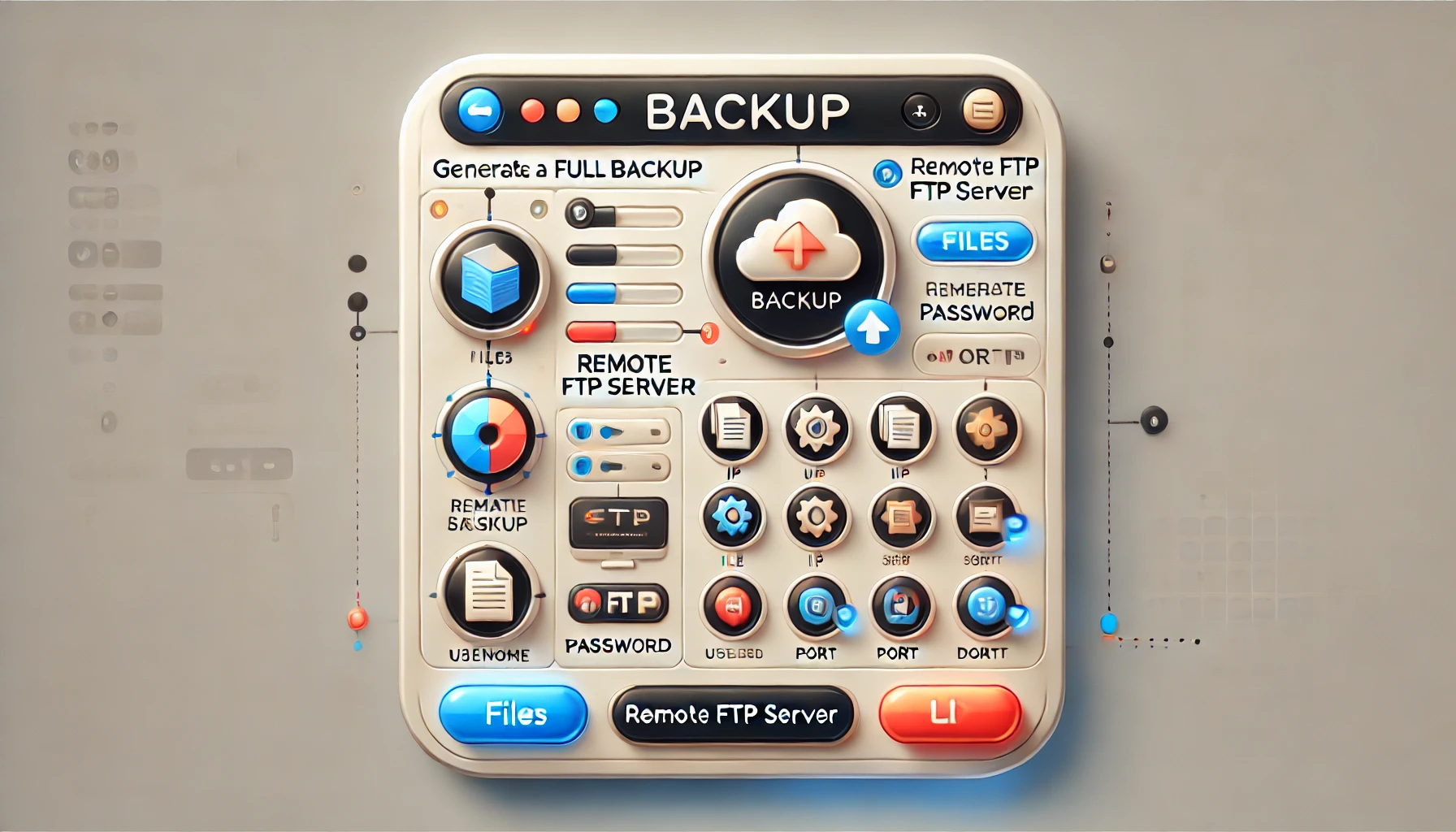
How to generate a cPanel backup and sent to FTP Server?
Generate a cPanel backup and sent to FTP Server
1. Log into your cPanel account.
2. In the "Files" section, click on "Backup" Icon.
3. Under "Full Backup", Click on "Download a Full Website Backup" button.
4. From Dropdown menu, Select Backup destination to "Remote FTP Server", In Email field enter your email address.
Remote Server: FTP IP address of Website or FTP domain name like ftp.example.com
Remote User: Your FTP Username
Password: Your FTP Password
Port: 21 or other FTP Port
Remote Dir: Remote Directory like /home/username/backupfolder/
5. Once you fill in the Remote FTP details, click on the "Generate Backup" button.
Topics
Rakshitha
White-Label Services Specialist • 5+ years
Rakshitha specializes in white-label IT services and Linux server administration. She helps MSPs expand their service offerings through strategic outsourcing partnerships and provides expert guidance on Linux-based infrastructure solutions.
More in Specialty Hosting
View all
40 HIPAA Compliance Statistics for 2026 — Fines & Breach Data
15 min read
Healthcare Data Breach Statistics 2026: Costs, HIPAA Fines & Trends
14 min read

10 HIPAA Compliant Cloud Storage Services 2026
14 min read

Top 10 HIPAA Compliant Email Providers
15 min read
What Backup Solutions Do White-Label Providers Offer to MSPs?
3 min read
15 Best data backup solutions for SMB
62 min read