
How to reset cPanel account password?

How to reset cPanel account password?
Reset cPanel Account Password
If you can access your cPanel account, follow these steps to reset your password:
1. Log into your cPanel account. (eg: www.example.com/cPanel )
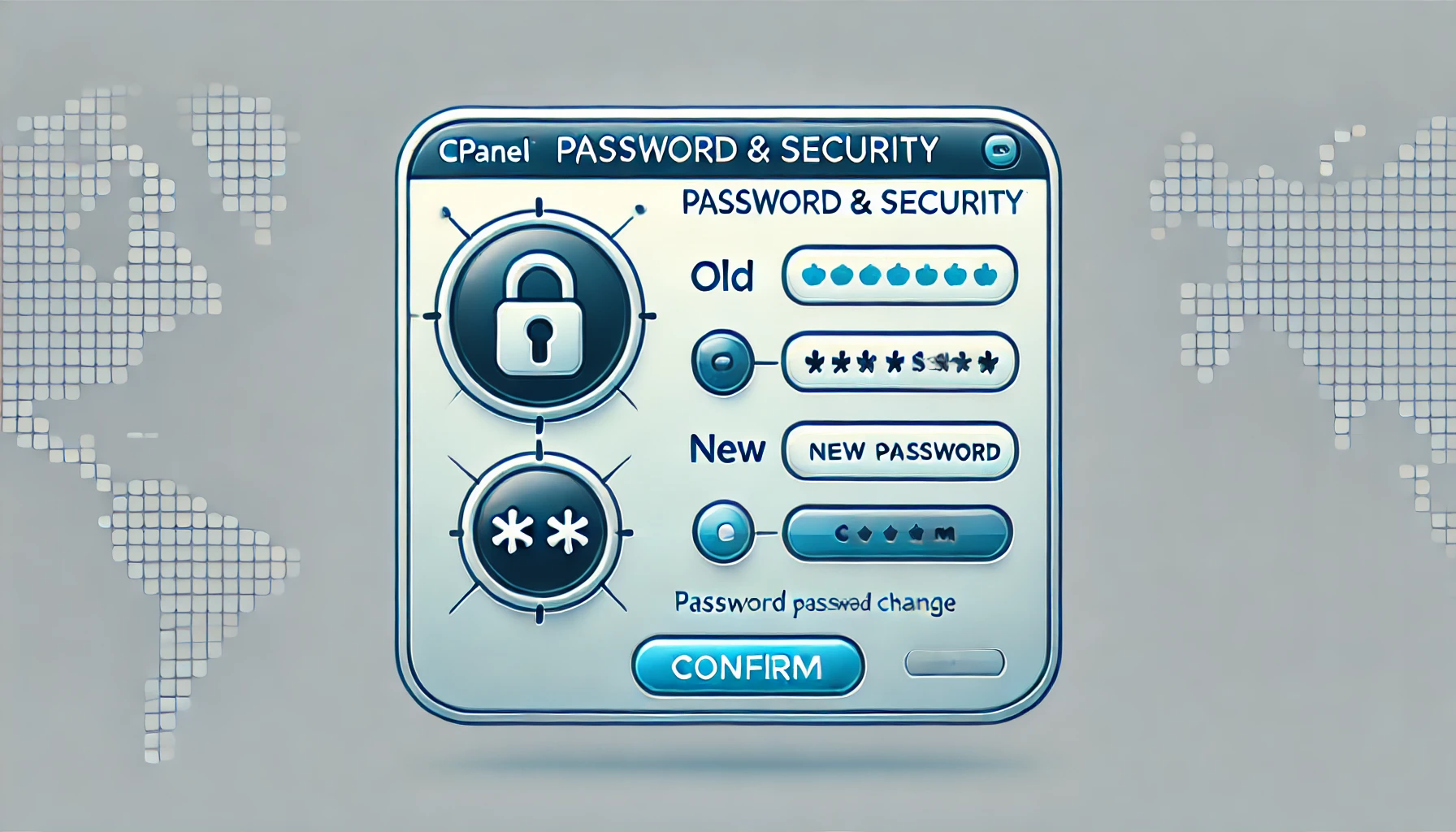
2. In the "Preferences" section, click on "Password & Security" Icon.
3. Enter your old password.
4. Enter your new password or use a password generator.
5. Click on change password.
You will see a success message then it means your password is changed, Log out and access your account using your new password.
Note: If you forgot your cPanel password and are unable to access your account, please open a ticket with us.
Topics
Rakshitha
White-Label Services Specialist • 5+ years
Rakshitha specializes in white-label IT services and Linux server administration. She helps MSPs expand their service offerings through strategic outsourcing partnerships and provides expert guidance on Linux-based infrastructure solutions.