
Gmail to Office 365 Migration — Step by Step (Business & Personal, 2026)

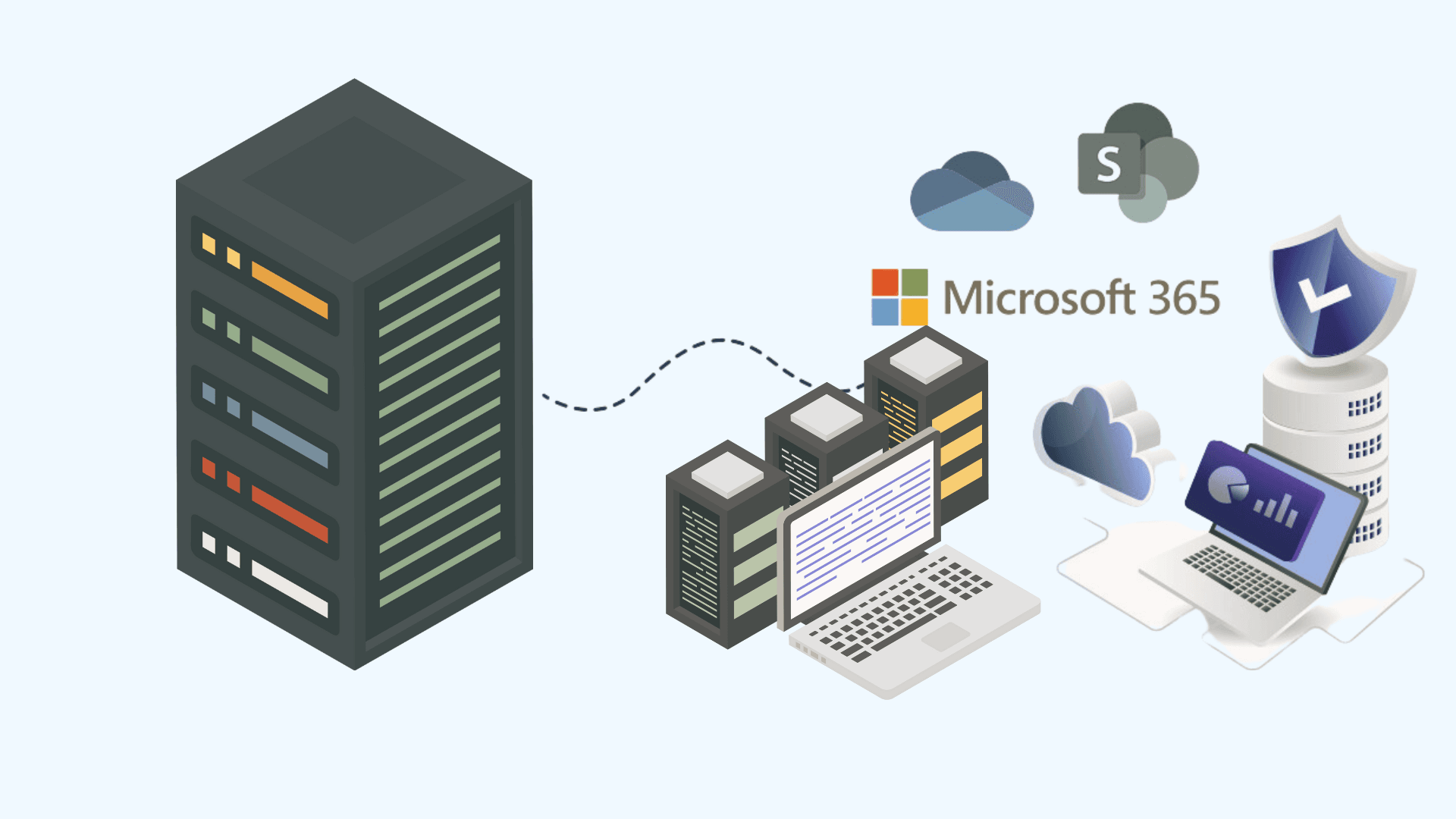
Moving from Gmail to Office 365 is one of the most common migrations we run — and one where Google's side of the fence causes most of the surprises. This is the exact process, including the parts Google throttles and the parts no tool can move.
What actually migrates
| Google item | Lands in Office 365 as | Notes |
|---|---|---|
| Gmail mail + labels | Mail + folders | Multi-label messages get ONE folder copy (first label) — label logic doesn't exist in Exchange |
| Calendar | Outlook calendar | Native batch: primary calendar; secondary calendars need tooling |
| Contacts | Outlook contacts | Native batch: main contacts move; labels/groups flatten |
| Drive | OneDrive/SharePoint | Separate job — Migration Manager (free) handles it; Google-format files convert to Office formats |
| Chat/Spaces, Forms, Sites, Keep | — | No migration path; export or recreate |
Business migration — the native method, step by step
- Prepare Microsoft 365: verify your domain, create/sync users, assign licenses. Do NOT flip MX yet.
- Prepare Google: create a service account with domain-wide delegation, enable Gmail/Calendar/Contacts APIs, and grant the scopes the wizard lists. (The Exchange admin center's Google Workspace wizard now automates most of this.)
- Exchange admin center → Migration → Migration batches → Google Workspace. Upload a CSV of users, or select all.
- Run the batch pre-cutover: initial sync copies historical mail while users keep working in Gmail. Big tenants: start 1–2 weeks early — Google export throttling (roughly 1–2 GB/day/user in practice) is the bottleneck, not Microsoft.
- Cutover: flip MX to Microsoft 365, complete the batch (final delta), reconfigure Outlook/mobile. Weekend evening, always.
- Drive second: SharePoint admin center → Migration Manager → Google source; map My Drives → OneDrive, Shared Drives → SharePoint sites. Details in our Migration Manager guide.
Personal Gmail → Office 365
For a personal @gmail.com account (no admin console, no service account): in the new Microsoft 365 mailbox, use Outlook's built-in Gmail import, or add the Gmail account via IMAP with an app password and drag folders across. Mail only — export Google Contacts/Calendar as CSV/ICS and import those separately. Above ~10 GB, be patient or hand it to us.
Gmail vs. Outlook — prepare your users
The #1 post-migration ticket isn't technical — it's "where are my labels?" Send users a one-pager: labels are now folders, conversation view can be toggled, Google's search operators mostly work in Outlook, and Meet links become Teams links. Day-one training kills 80% of tickets. Our Google Workspace migration service includes it.
FAQ
How long does Gmail to Office 365 migration take?
10 users with modest mailboxes: a weekend. 100 users at Google's throttle rates: plan 2–3 weeks of background sync before a weekend cutover.
Do Gmail labels migrate to Office 365?
They become folders. A message with three labels lands in one folder (its first label) — the other label associations are lost. Warn users before, not after.
Is there a free Gmail migration tool?
Yes — the native Google Workspace migration in the Exchange admin center is free and handles mail, calendar, and contacts for Workspace accounts. Drive moves free via Migration Manager.
Migrate Gmail, Drive, Calendar, and Contacts to Microsoft 365 with zero data loss.
Switch from Google to Microsoft 365Topics
Sreenivasa Reddy G
Founder & CEO • 15+ years
Sreenivasa Reddy is the Founder and CEO of Medha Cloud, recognized as "Startup of the Year 2024" by The CEO Magazine. With over 15 years of experience in cloud infrastructure and IT services, he leads the company's vision to deliver enterprise-grade cloud solutions to businesses worldwide.
More in Google Cloud & Workspace
View all
Google Layoffs 2026: Numbers, Timeline & What Is Known
8 min read

Leaked Business Data Fuels a New Wave of Phishing Against Google Workspace Users
2 min read

Researchers Warn of “Promptware” Attacks That Could Manipulate Google Workspace AI
2 min read
Google Rolls Out Device-Bound Tokens as Session Theft Escalates Across Workspace
2 min read
How to Get Google to Display Images for Phishing Campaigns: A 10-Step Comprehensive Guide
4 min read
Gmail to Office 365 migration: How to proceed?
7 min read